
Download PC Icon Converter Plus – icon converter, image to icon, custom icons, desktop icons, avatar maker
Overview
PC Icon Converter Plus is a lightweight utility designed to help users convert images into custom icons for desktop and messaging applications. The tool serves as a straightforward solution for individuals seeking to personalize their digital environments, whether for aesthetic enhancement or identity expression. By transforming common image files into usable icon formats, it bridges the gap between visual content and functional digital assets. The app is particularly useful for users who want to create unique avatars, desktop shortcuts, or application icons without requiring advanced design skills.
Targeted at casual users and hobbyists, PC Icon Converter Plus supports a broad range of use cases, from personalizing chat profiles to customizing software shortcuts. Its minimalistic approach ensures that even users with limited technical experience can navigate the interface and achieve results quickly. Although the developer did not provide additional background information, the app’s longevity since its 2008 release suggests a stable and reliable core functionality. In the broader utility ecosystem, it remains a niche but valuable tool for those focused on digital personalization and visual customization.
Key Features & Functionality
- User-Friendly Interface: The program features an intuitive layout designed for accessibility across skill levels. Users can locate tools and functions without confusion, reducing the learning curve and enabling immediate use.
- Image Format Support: PC Icon Converter Plus accepts multiple image formats, including JPEG, PNG, and BMP, allowing users to convert a wide variety of source files into icon formats.
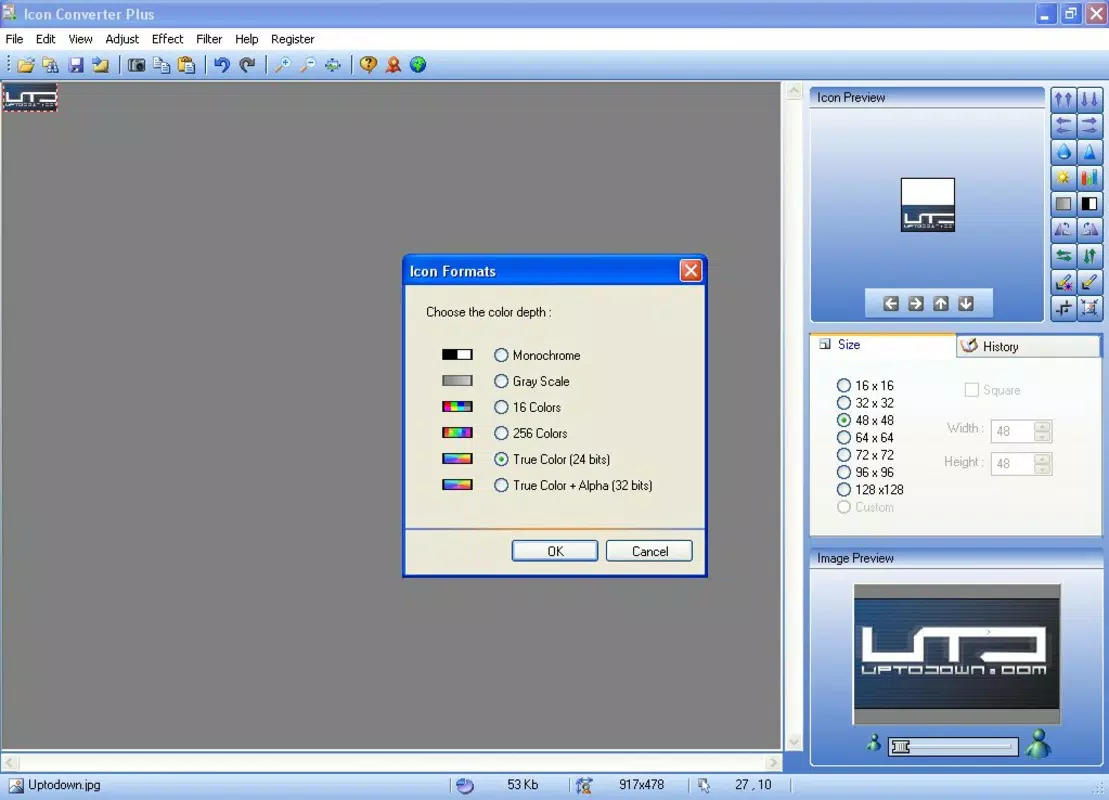
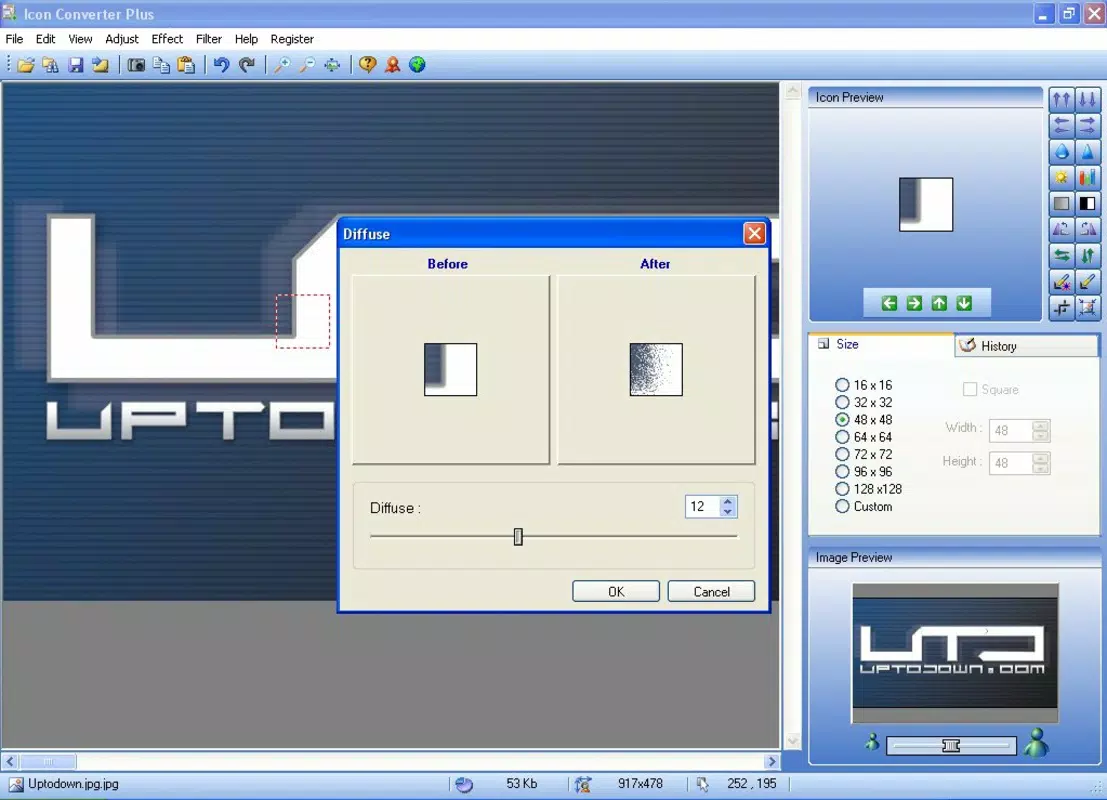
- Customizable Icons: Users can resize and adjust icons to suit specific needs, ensuring compatibility with different applications and display settings.
- Quick Conversion Process: The software enables near-instant conversion with minimal user input, streamlining the workflow from image selection to final icon output.
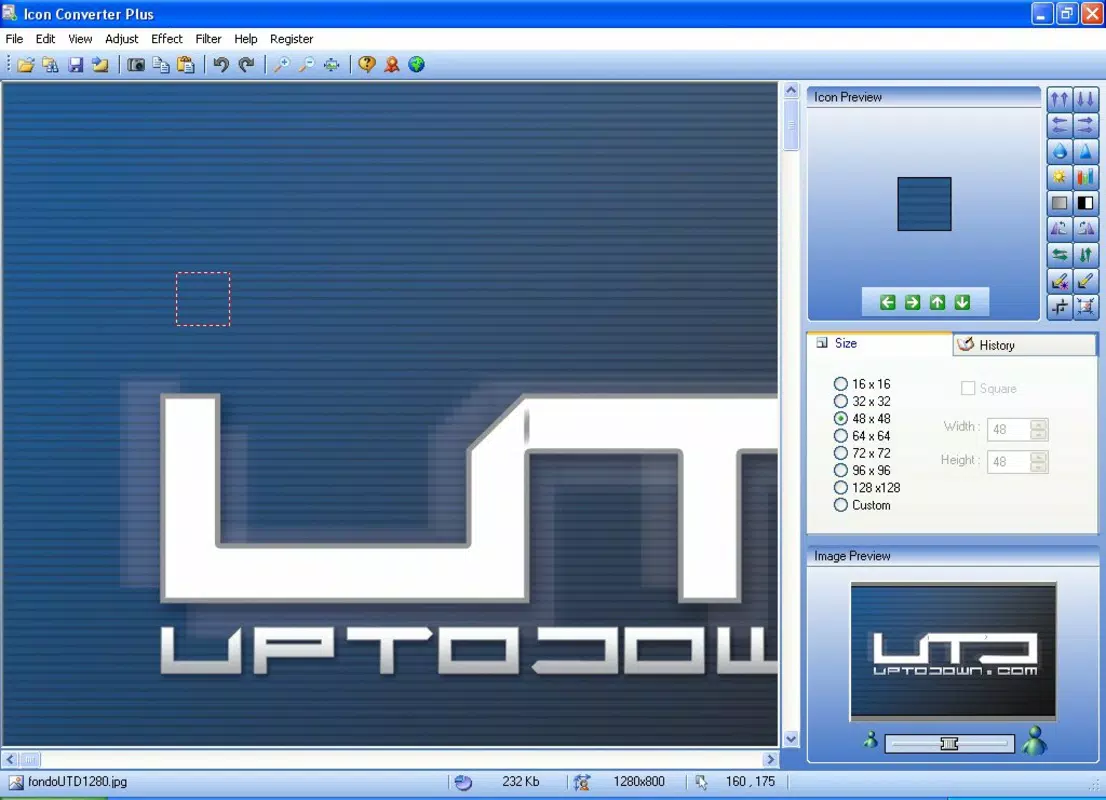
- Multiple Output Sizes: The tool generates icons in various dimensions, enhancing cross-platform compatibility for both legacy and modern systems.
For example, a user can take a favorite photo, convert it into a 256x256 pixel icon, and use it as a desktop shortcut or chat avatar. This functionality supports both personal branding and organizational consistency in digital workflows. The ability to generate multiple sizes from a single source image improves efficiency and reduces the need for separate file management.
Interface, UX & Performance
The interface of PC Icon Converter Plus is designed with simplicity in mind, focusing on essential tools and clear navigation. The layout is minimal, avoiding clutter and allowing users to concentrate on the conversion process. Visual cues and labeled buttons guide users through each step, promoting a smooth experience even for those unfamiliar with icon editing.
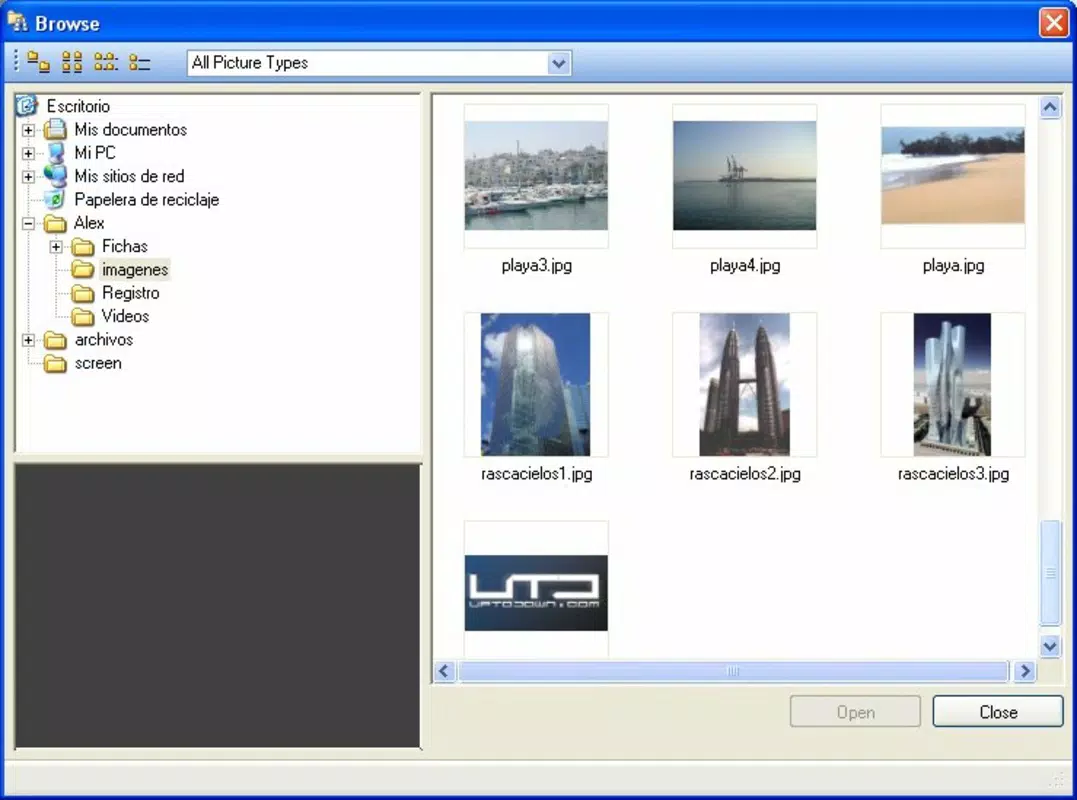
Navigation is linear and consistent, with a clear flow from image import to output selection. The application responds promptly to user inputs, suggesting efficient processing. Although the developer did not list formal performance metrics, the small file size of 3.5 MB indicates a lightweight footprint, which typically correlates with low system resource usage. This makes the app suitable for older or low-spec Windows machines.
Stability appears to be a consistent trait, given the app’s long-standing presence in the utility space. Users can expect reliable operation across different device categories, though specific compatibility details were not disclosed. The interface remains responsive during standard use, supporting a consistent user experience without noticeable lag or crashes.
Platform Compatibility & Technical Requirements
PC Icon Converter Plus is designed exclusively for the Windows platform. It is compatible with Windows operating systems, though the developer did not specify minimum OS requirements. The software has a file size of 3.5 MB, which is compact and suitable for quick downloads and installations.
Given its release date in 2008, the app likely supports older Windows versions such as Windows XP, Vista, and 7. However, the developer did not provide explicit information on supported versions or hardware specifications. Users should verify compatibility with their system before installation. No additional dependencies or runtime environments were mentioned.
Pros and Cons
Pros
- Simple and intuitive interface suitable for beginners
- Supports multiple image formats including JPEG, PNG, and BMP
- Enables quick conversion with minimal steps
- Offers customizable output sizes for broader compatibility
- Free to download and use with no in-app purchases
Cons
- Developer did not disclose minimum OS or hardware requirements
- No information on update frequency or future development plans
- Limited to Windows platform; no support for macOS or Linux
- Outdated release date may raise concerns about modern security practices
- Does not include advanced editing tools such as transparency adjustment or icon animation
FAQ
Is PC Icon Converter Plus safe to download and install?
Yes, the software is free and does not include known malware or adware. However, users should download from trusted sources to avoid tampered versions.
Can I use PC Icon Converter Plus on Windows 10 or Windows 11?
While the app was released in 2008, it may still run on modern Windows versions due to its lightweight nature. However, compatibility is not officially confirmed by the developer.
Does the app support animated icons?
There is no information provided about animated icon support. Based on the available features, it appears to focus on static icon creation.
Is there a mobile version of PC Icon Converter Plus?
PC Icon Converter Plus is a desktop utility for Windows only. There is no official mobile version available for Android or iOS devices.
How do I update PC Icon Converter Plus?
The developer has not provided information on update frequency or distribution channels. Users should monitor the official source for any future releases.
Final Thoughts
PC Icon Converter Plus remains a functional and accessible tool for users who need to convert images into icons without complexity. Its simplicity, combined with broad format support and fast processing, makes it a solid choice for personal customization tasks. While it lacks modern features and has no recent updates, its core functionality continues to serve users seeking a no-frills icon maker.
Those who value ease of use, quick results, and a free tool for desktop personalization will find the app valuable. It’s especially useful for users working on older systems or those who prefer lightweight utilities over bloated software.
Download PC Icon Converter Plus now


